How to Reset Your Password
1
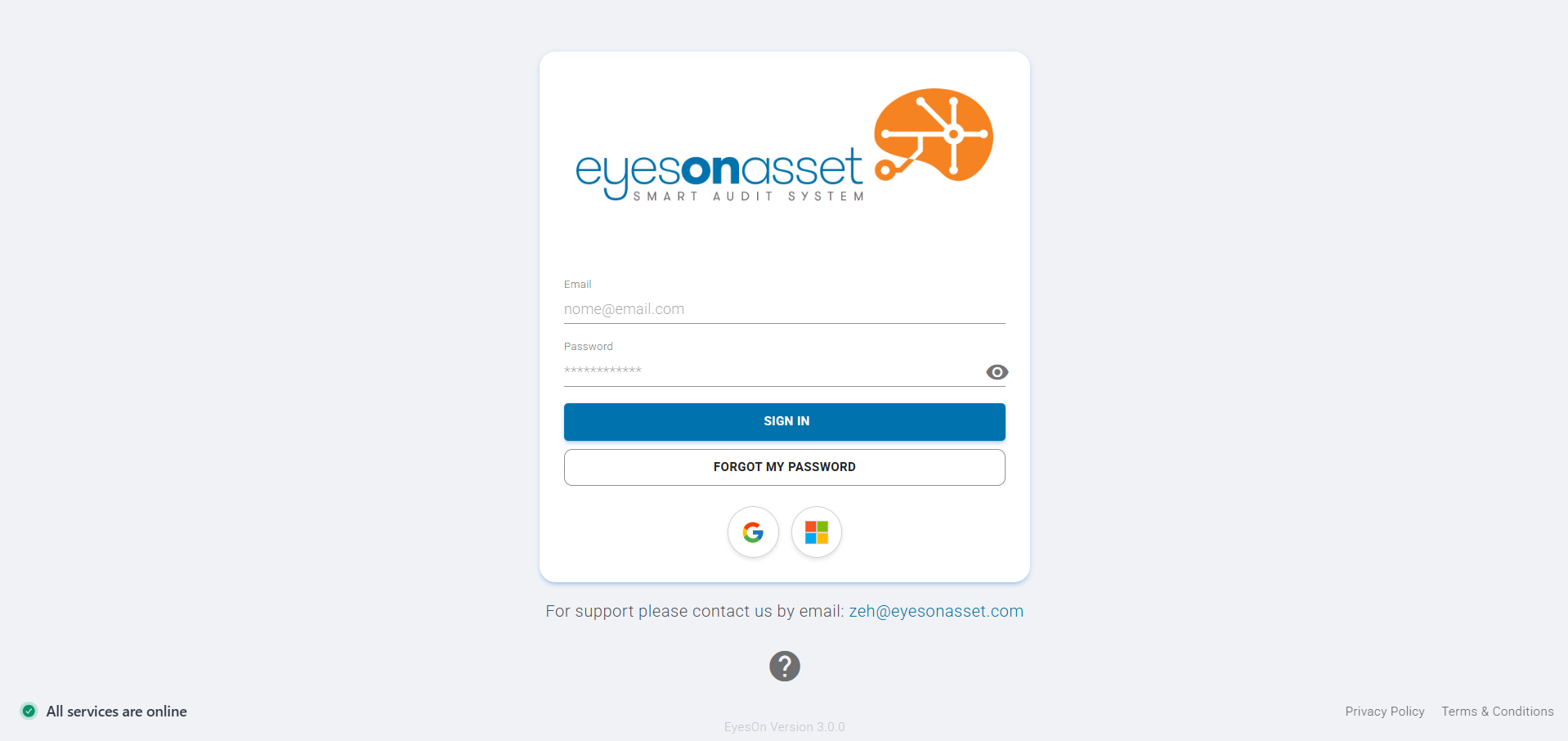
Go to the Login Page
Visit the EyesOn Asset login page by navigating to https://eyesonasset.com/auth/login.
2
Click "Forgot My Password"
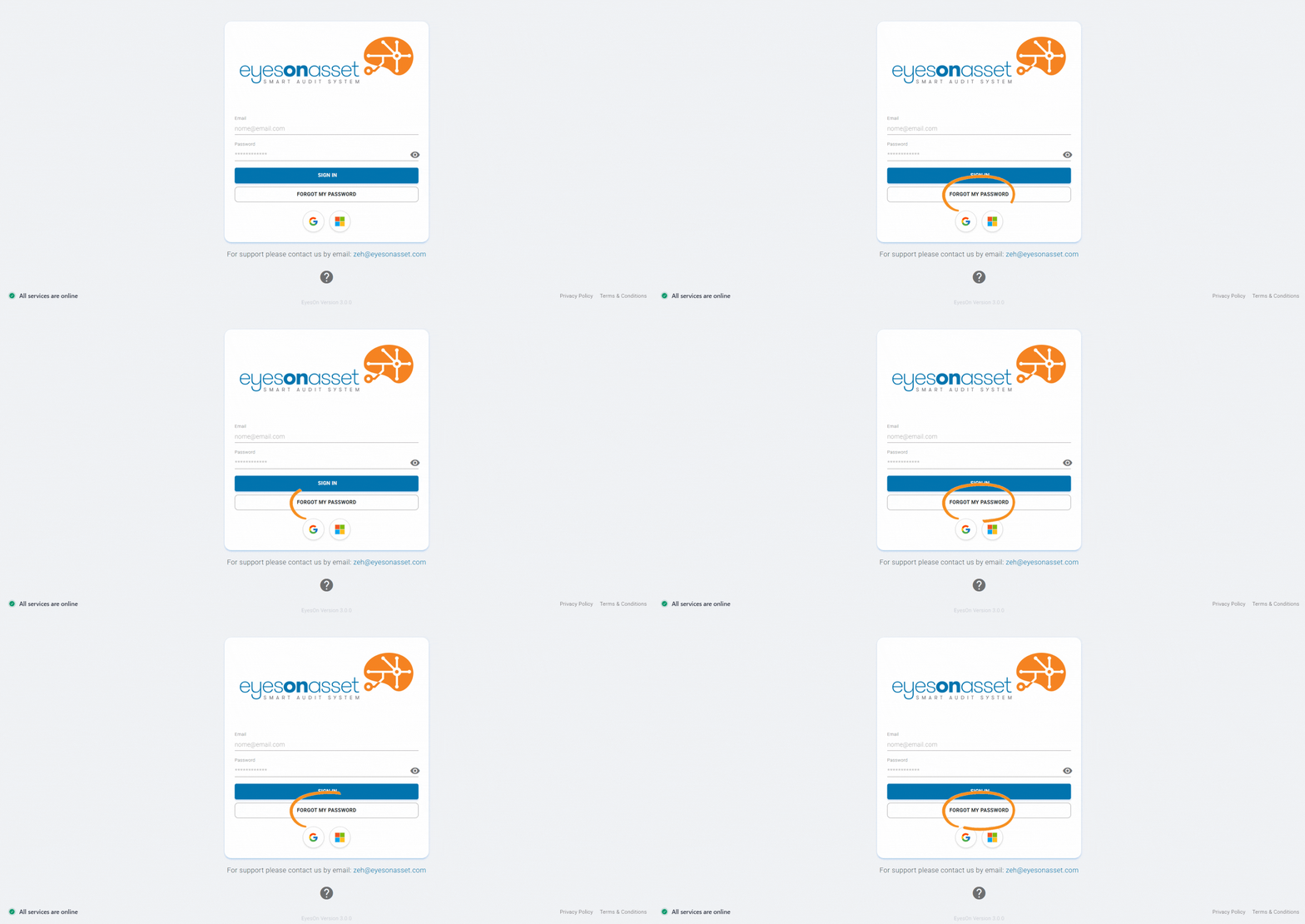
On the login page, click the "Forgot My Password" link below the password field.
3
Enter Your Email Address
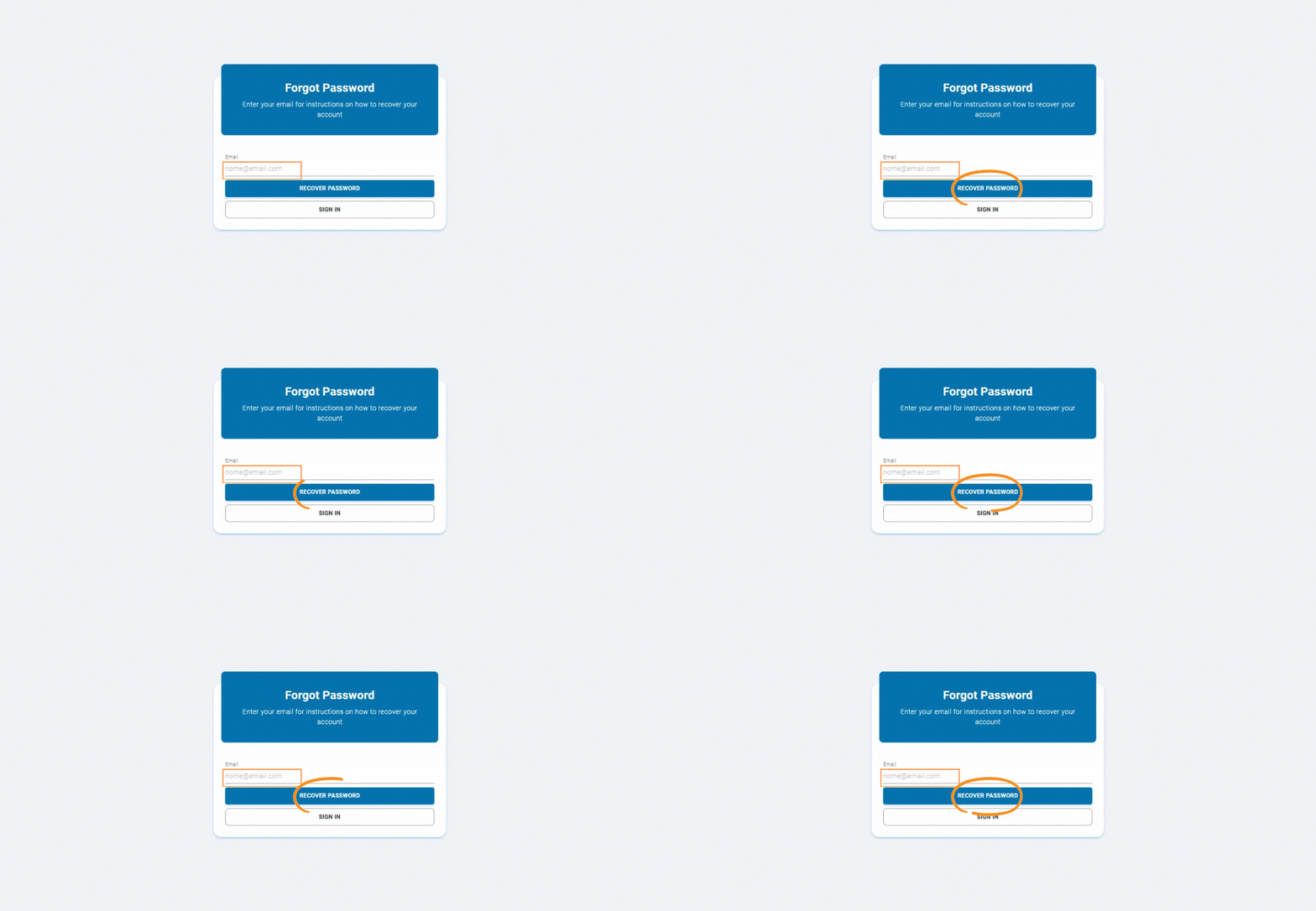
On the "Forgot Password" page, enter the email address associated with your account and click "Recover Password".
4
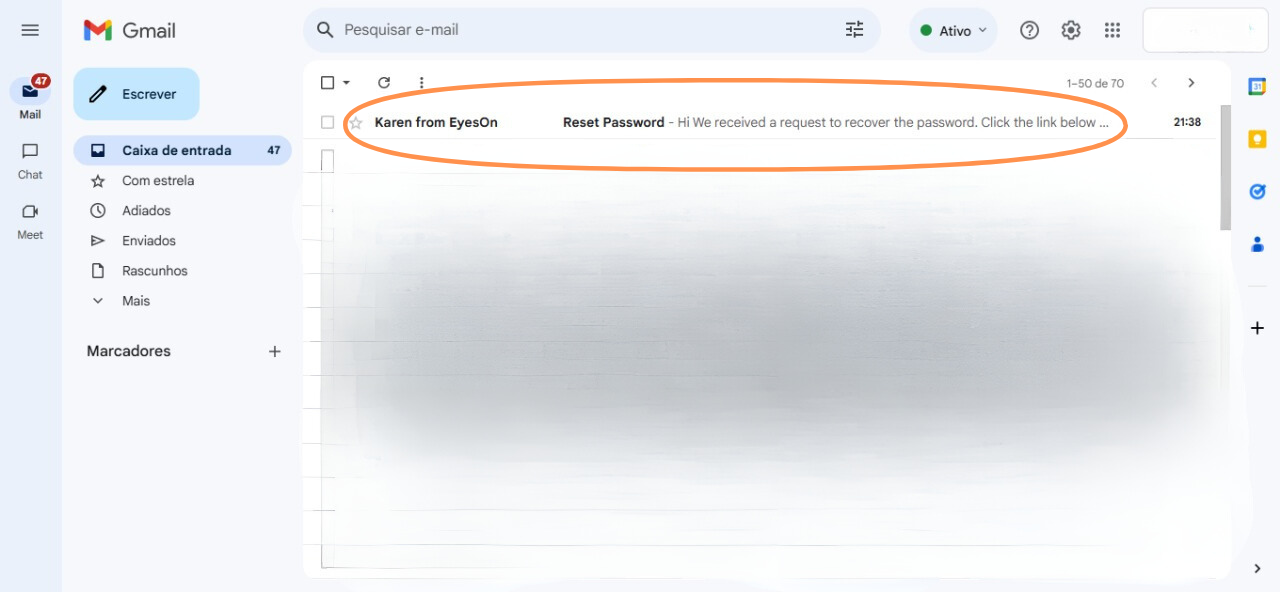
Check Your Email
Check your inbox for an email with the subject "Reset Password". If you don't see it, check your spam folder.
5
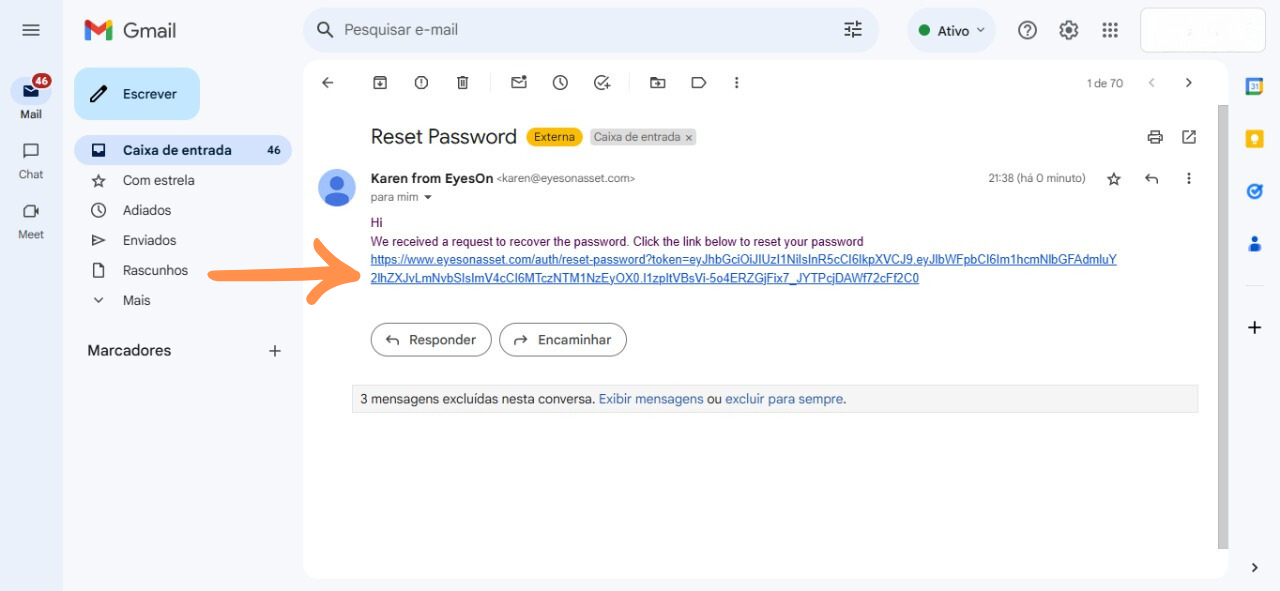
Click the Reset Link
Open the email and click the provided link to reset your password.
6
Set a New Password
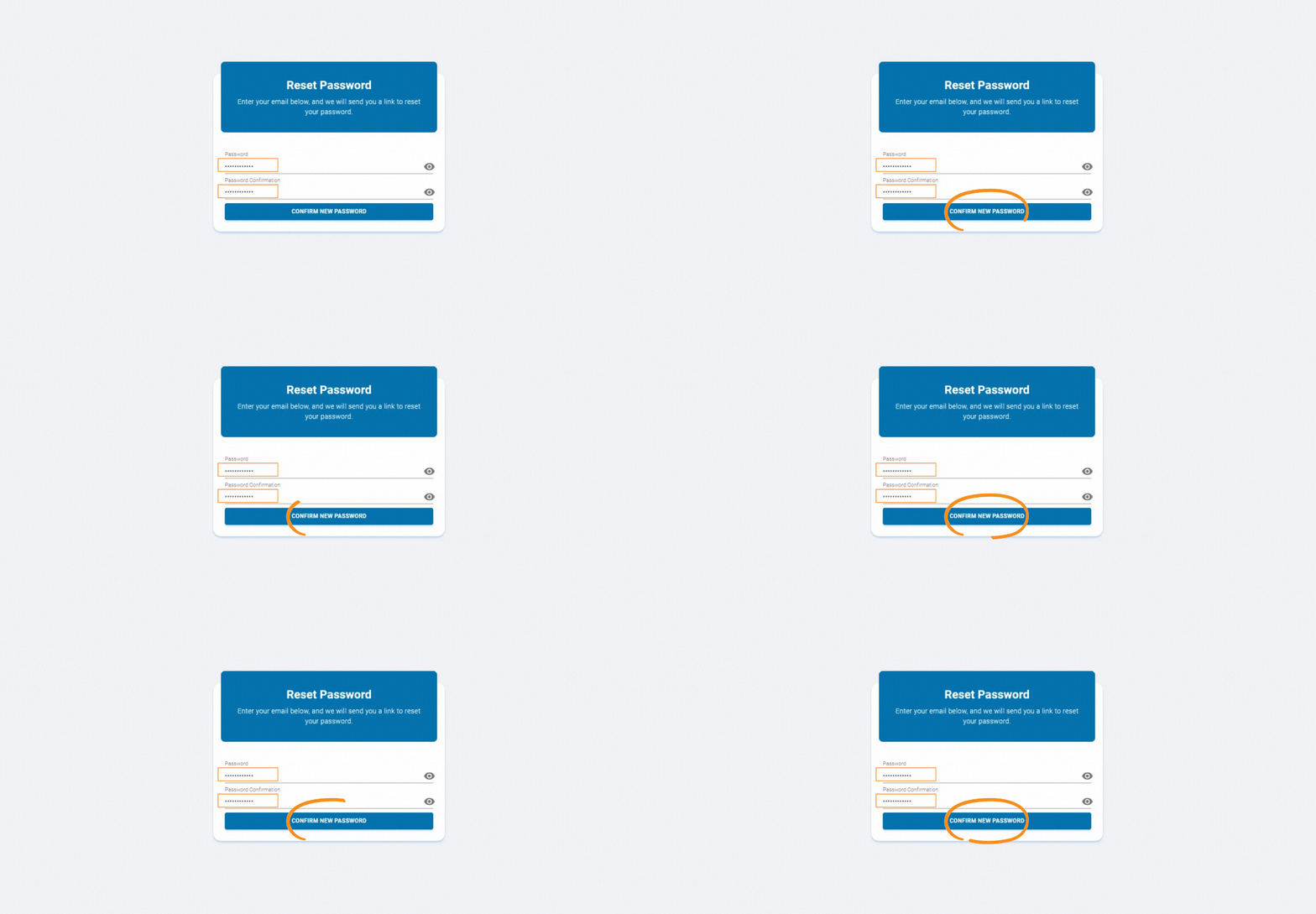
On the reset page, enter your new password and confirm it. Click "Confirm New Password" to complete the process.