How to Sign In to EyesOn Asset
Understanding the Login Screen
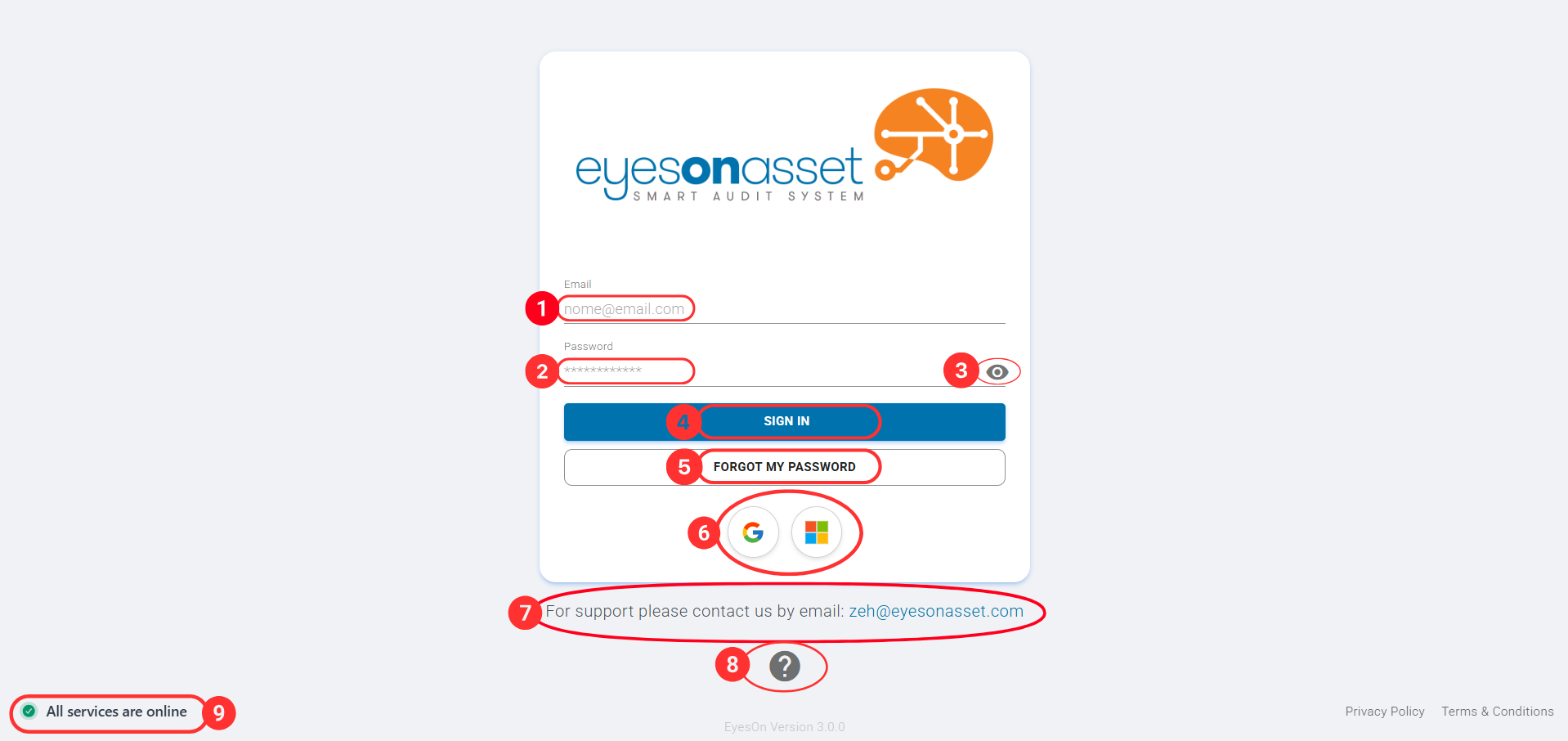
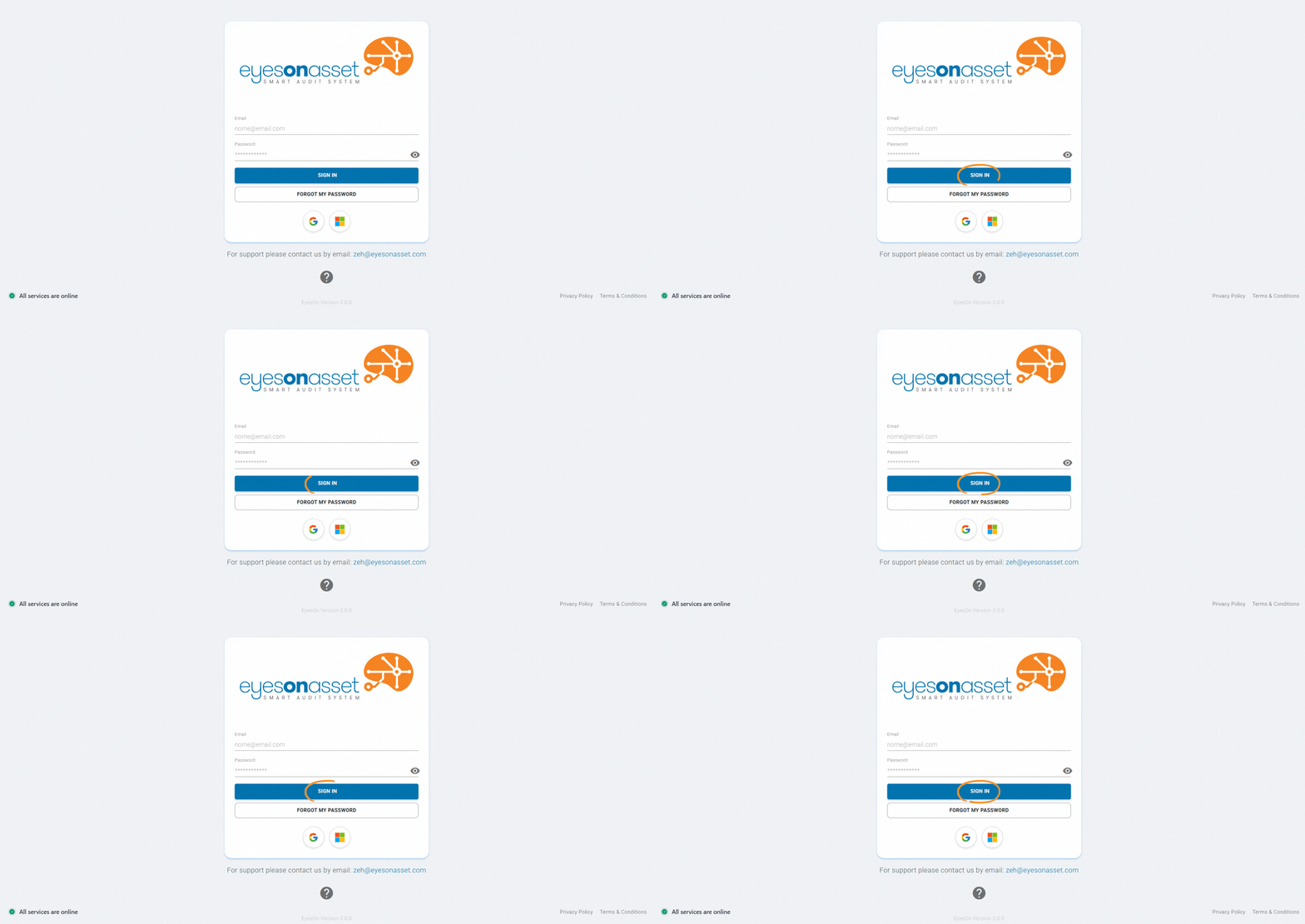
Before proceeding with the steps, here is an explanation of the key elements on the login page:
- 1. Email: Field where you type your email address.
-
2. Password: Field to enter your password.
Password Requirements:
- Your password must be at least 8 characters long.
- It must contain at least one letter and one number.
- 3. Toggle Password Visibility: Use the eye icon to toggle the visibility of your password. Clicking the icon will allow you to see or hide the characters you have entered, helping to verify accuracy when typing.
- 4. Sign In: Button to submit your credentials.
- 5. Forgot My Password: If you forget your password, click this link. It will guide you through the steps to reset your password. Typically, you will receive an email with instructions or a link to create a new password. Forgot My Password Tutorial
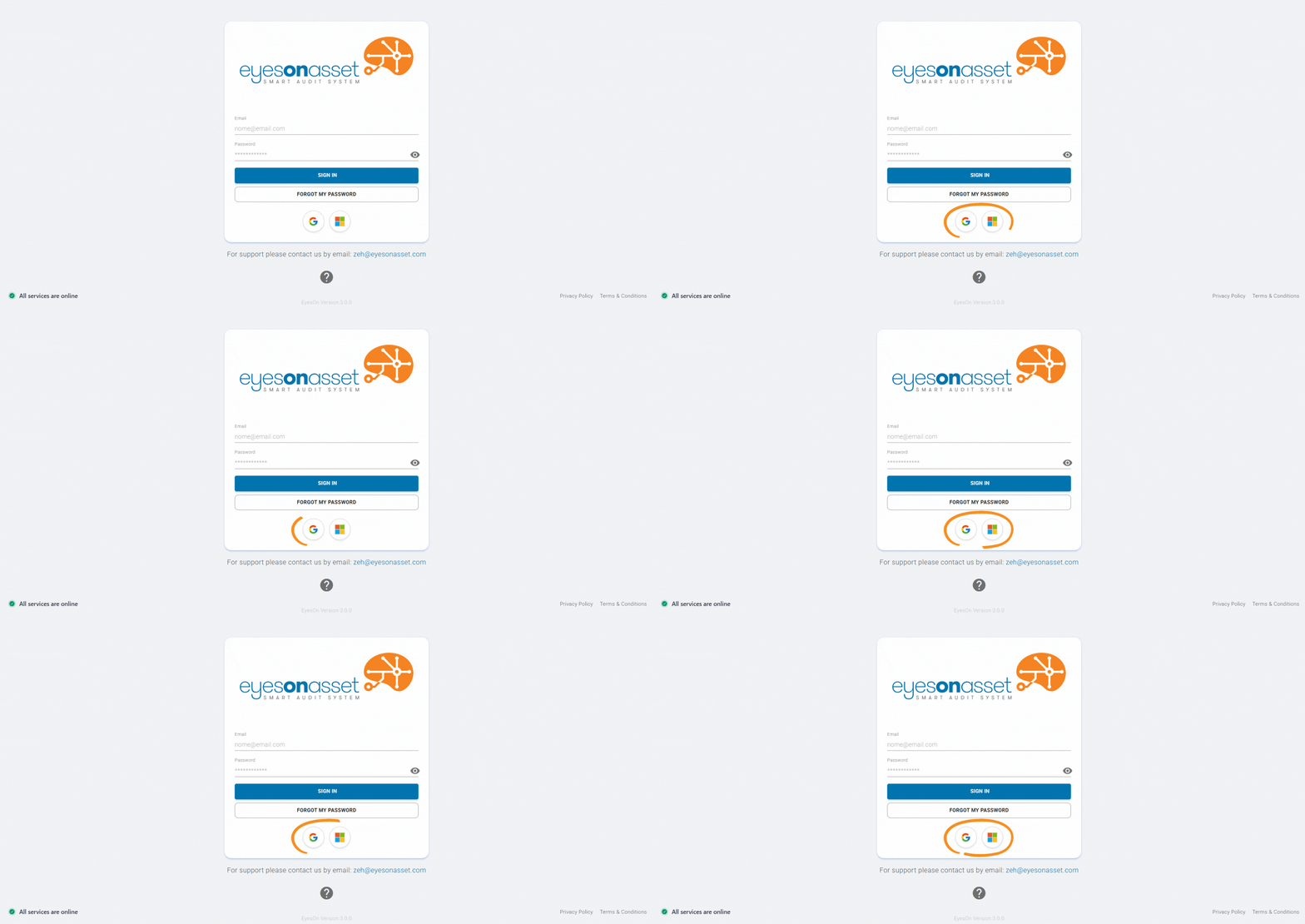
- 6. Sign In with External Accounts: Buttons to sign in using third-party authentication services like Google and Microsoft. Clicking on these buttons allows you to log in with an existing account from these platforms.
- 7. Support Email: If you encounter issues that prevent you from logging in or using the platform, use this email to contact support (e.g., zeh@eyesonasset.com). The support team can help with technical problems, account recovery, and other questions.
- 8. Help: Clicking on this icon (?) will open a help page with detailed instructions and tutorials.
- 9. Status: This indicator shows whether all EyesOn Asset services are operational. A green icon means all systems are functioning normally, while a red or yellow icon might indicate maintenance or service issues. If the status is not green and you experience problems, consider reaching out to support.
 1
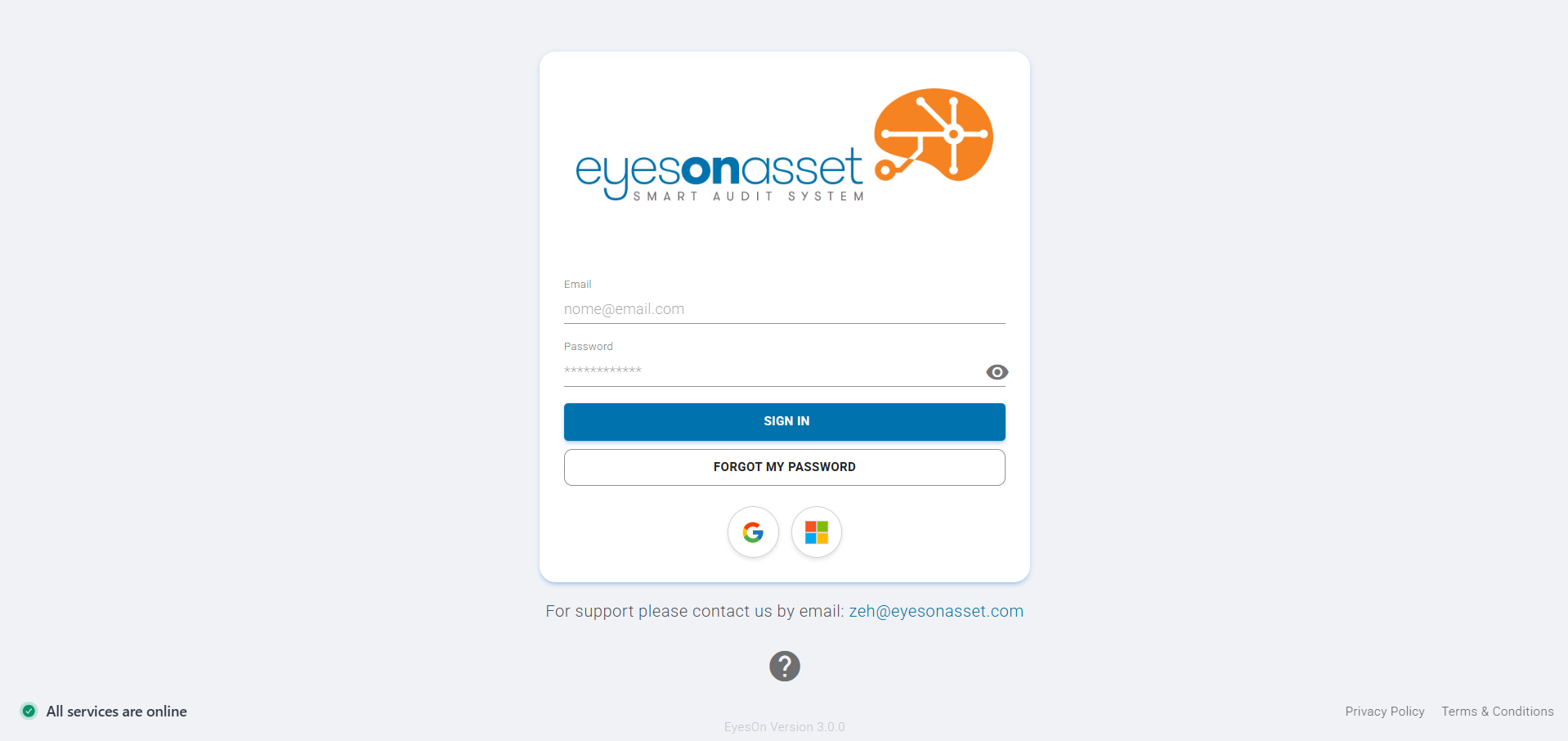
1Access the EyesOn Asset Website
- Open your browser (e.g., Google Chrome).
- In the address bar, type the following link: http://eyesonasset.com.
- Press Enter to access the website.
 2
2Choose Your Sign-In Method
You can sign in using your email and password or by using a third-party account (Google or Microsoft).
Sign In Using Email and Password
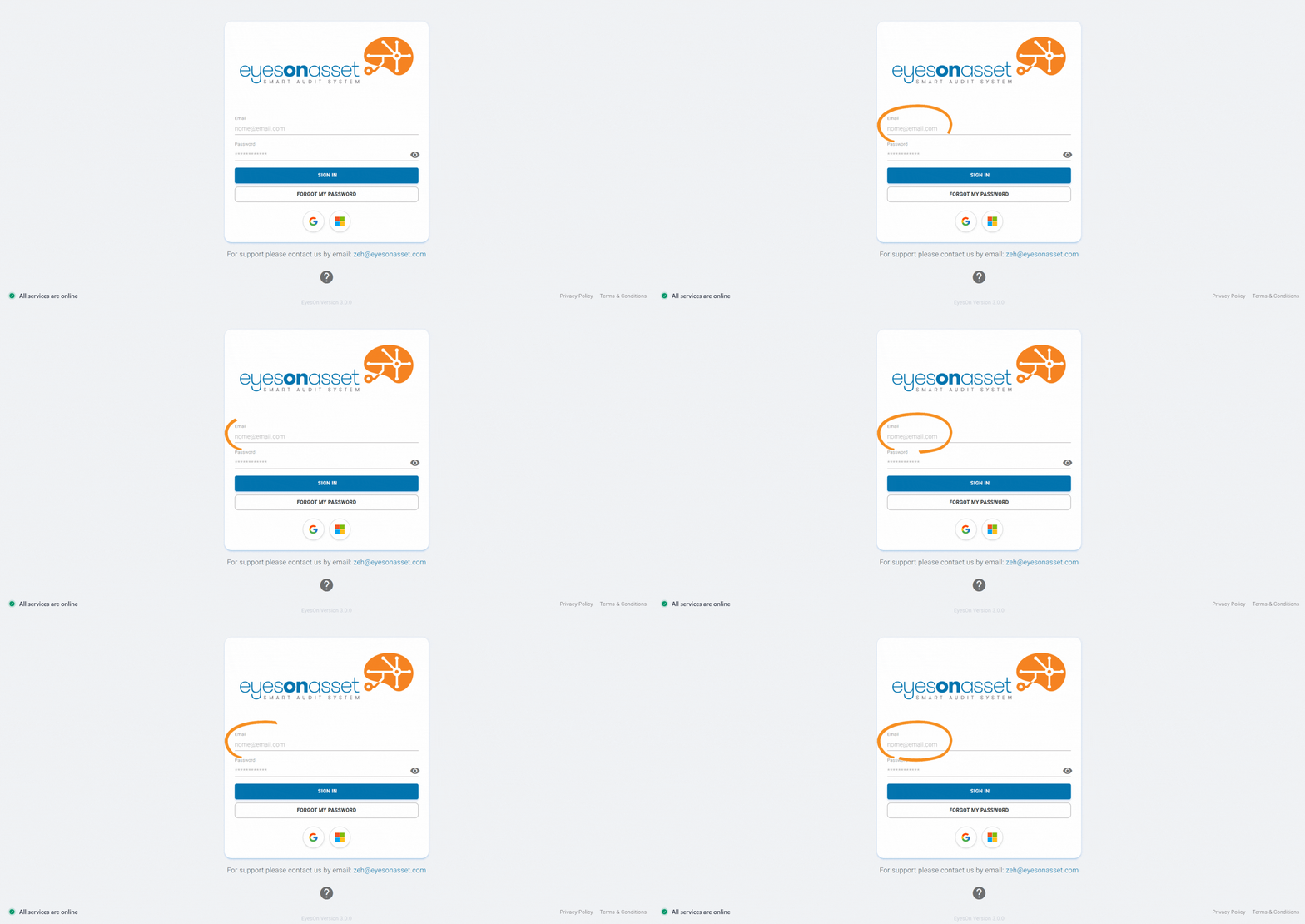
- Click on the field labeled "Email" and type your registered email address.
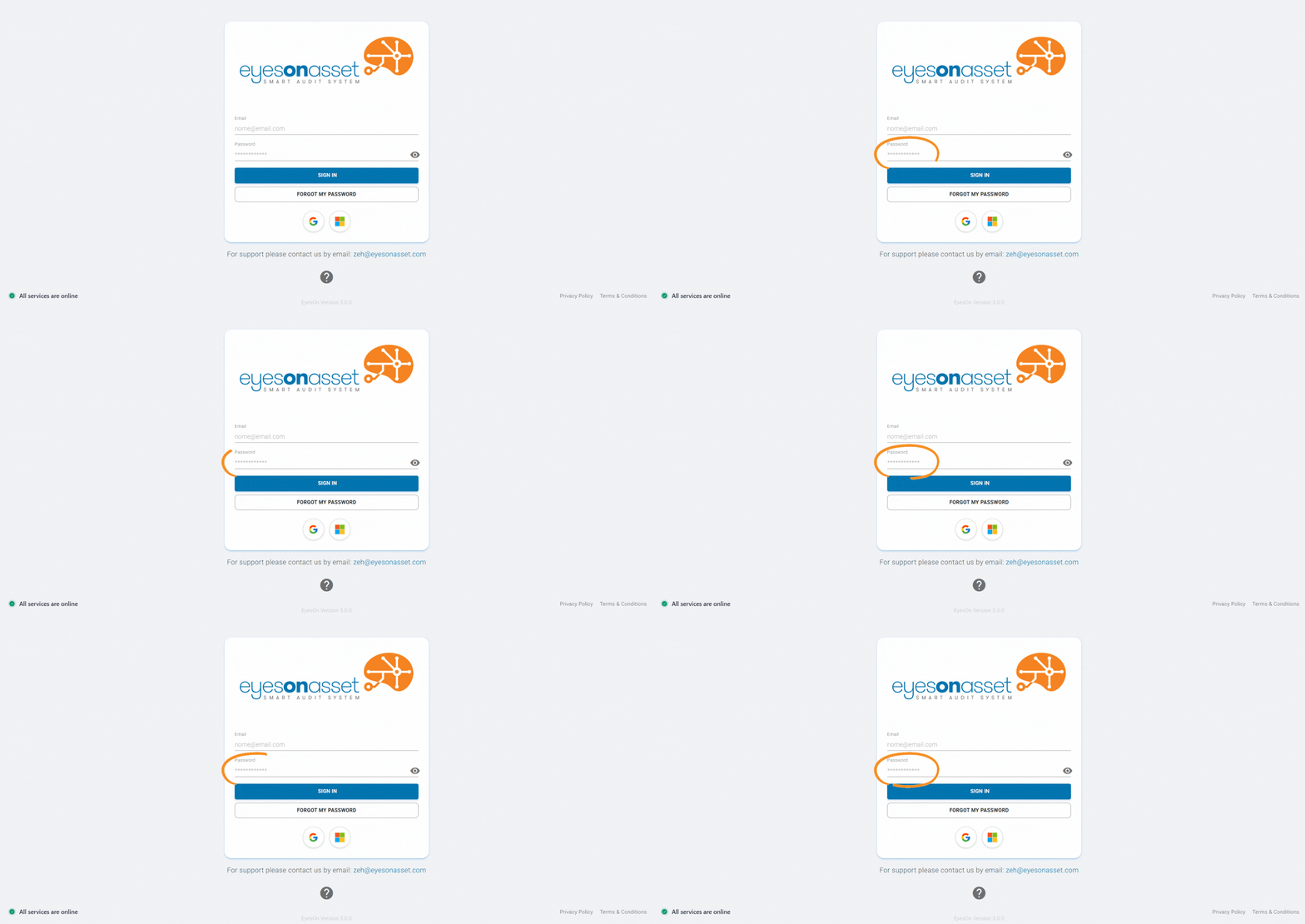
- Click on the field labeled "Password" and enter your password.
- Click the blue "Sign In" button to proceed.
Sign In Using Google or Microsoft
- Click on the Google or Microsoft button below the email and password fields.
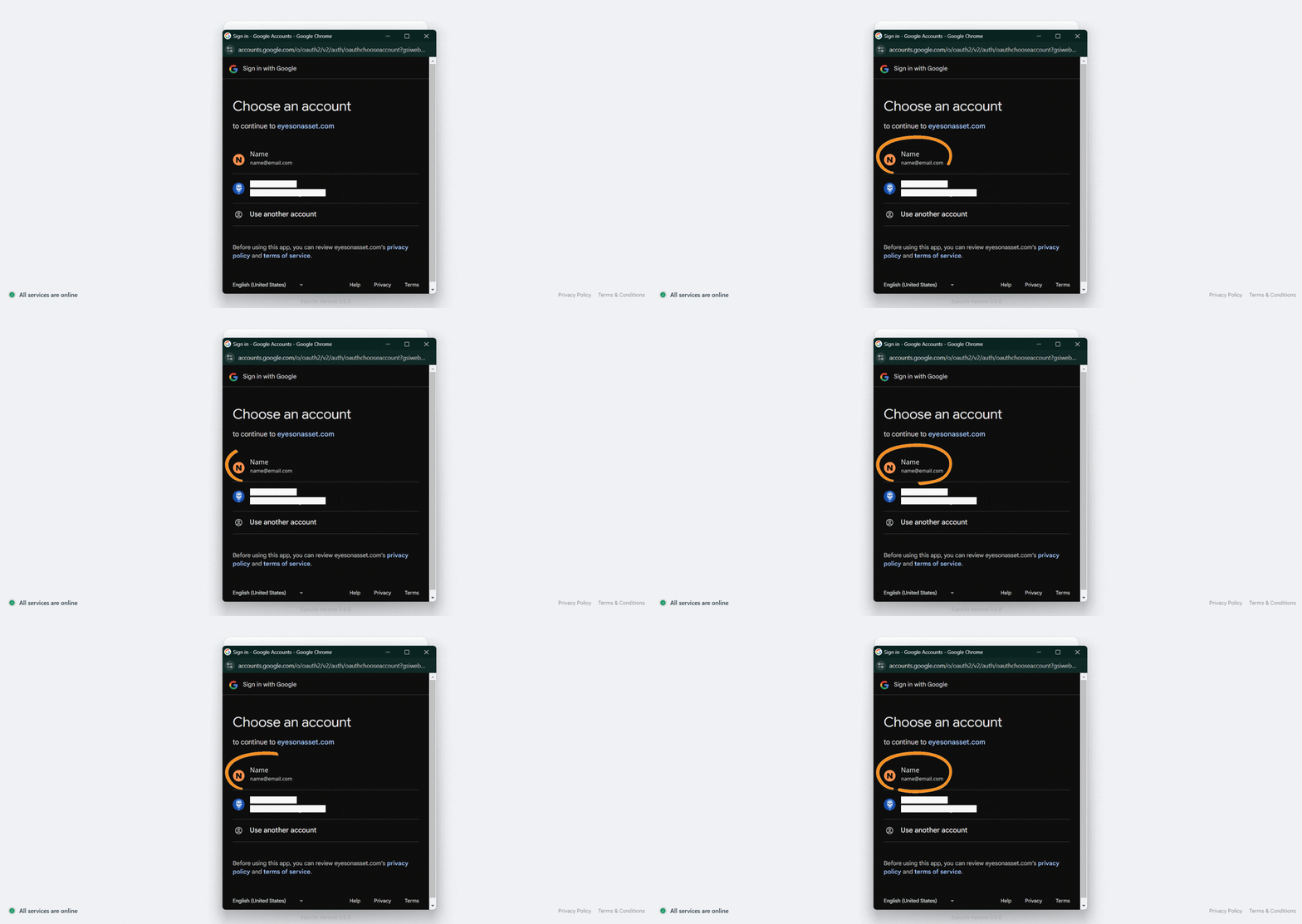
- A pop-up will appear asking you to choose or log in with your respective account.
 3
3Verification Code
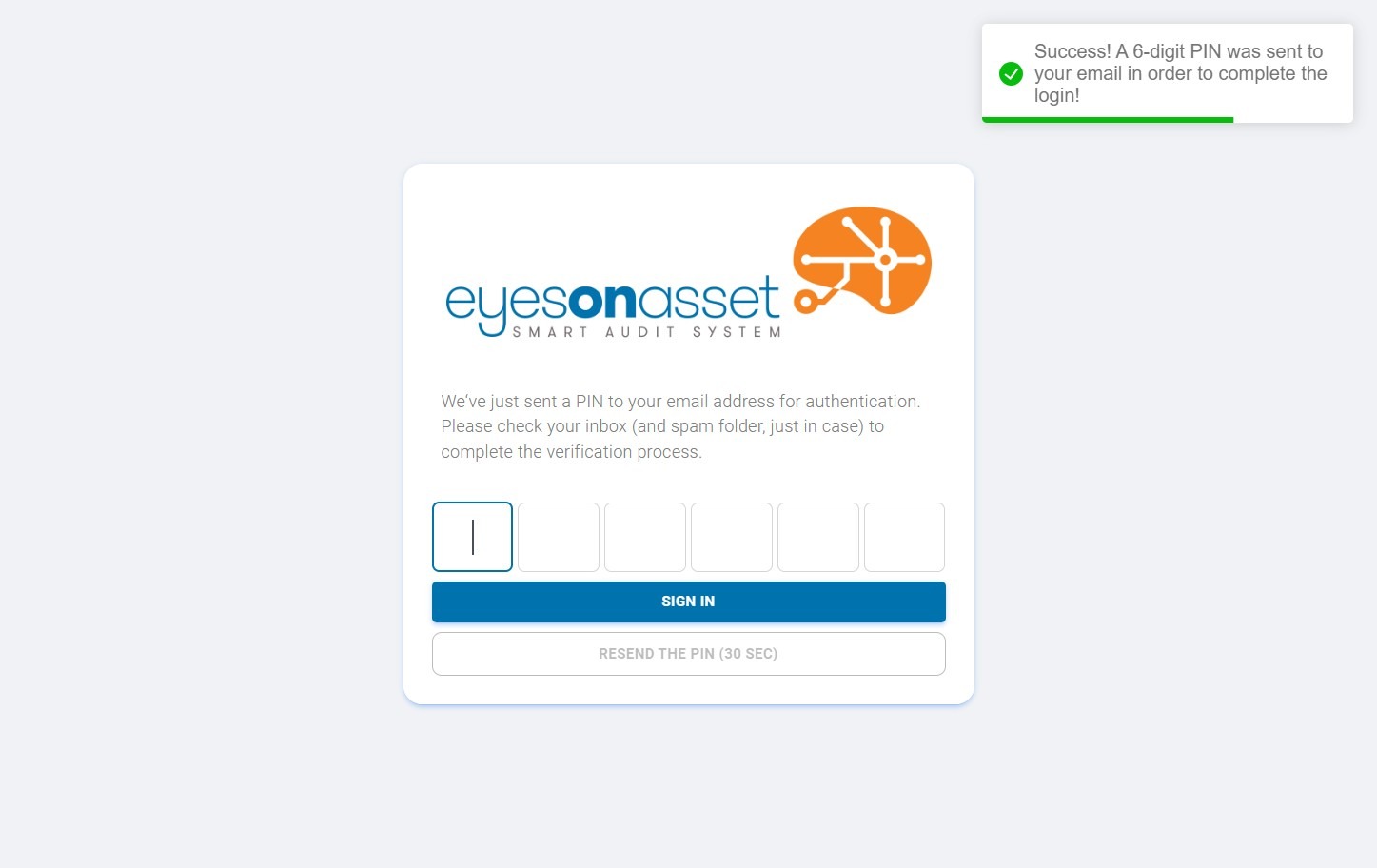
The system will notify you that a PIN (6-digit code) has been sent to your registered email for authentication.
 4
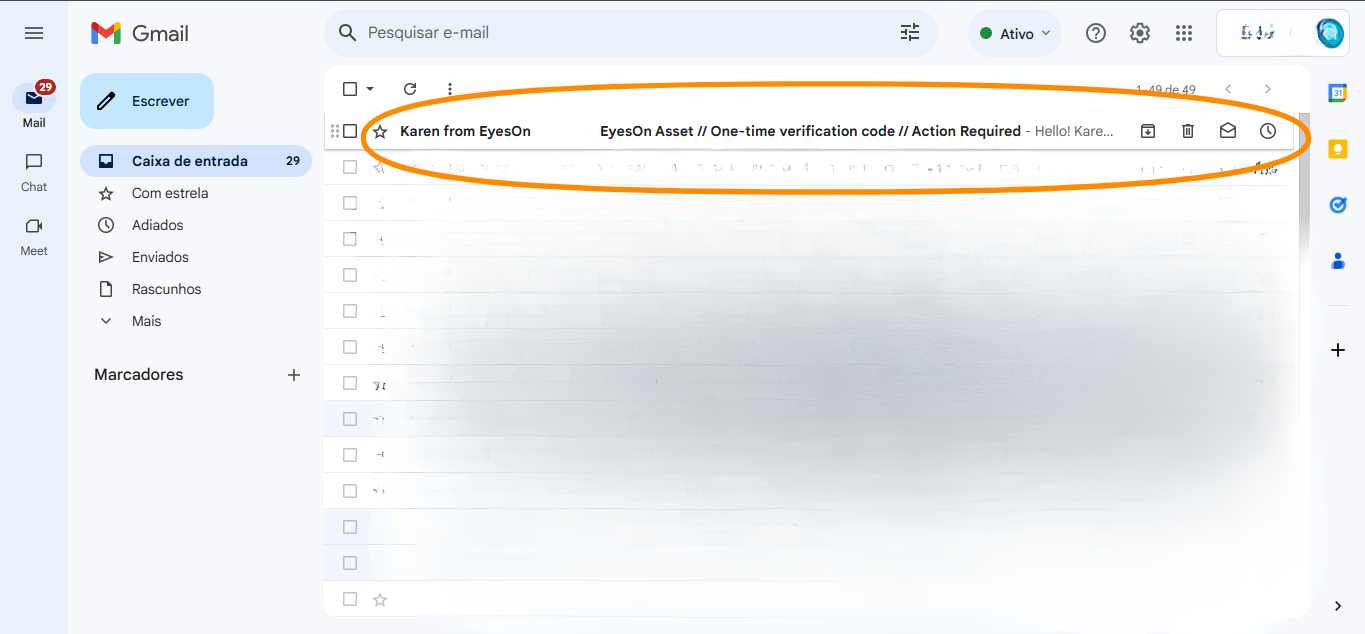
4Open Your Email
- In a new browser tab, open the website of your email provider (e.g., https://mail.google.com for Gmail users).
- Log in to your email account if needed.
- Look for the email from EyesOn Asset with the verification code.
 5
5Copy the Code
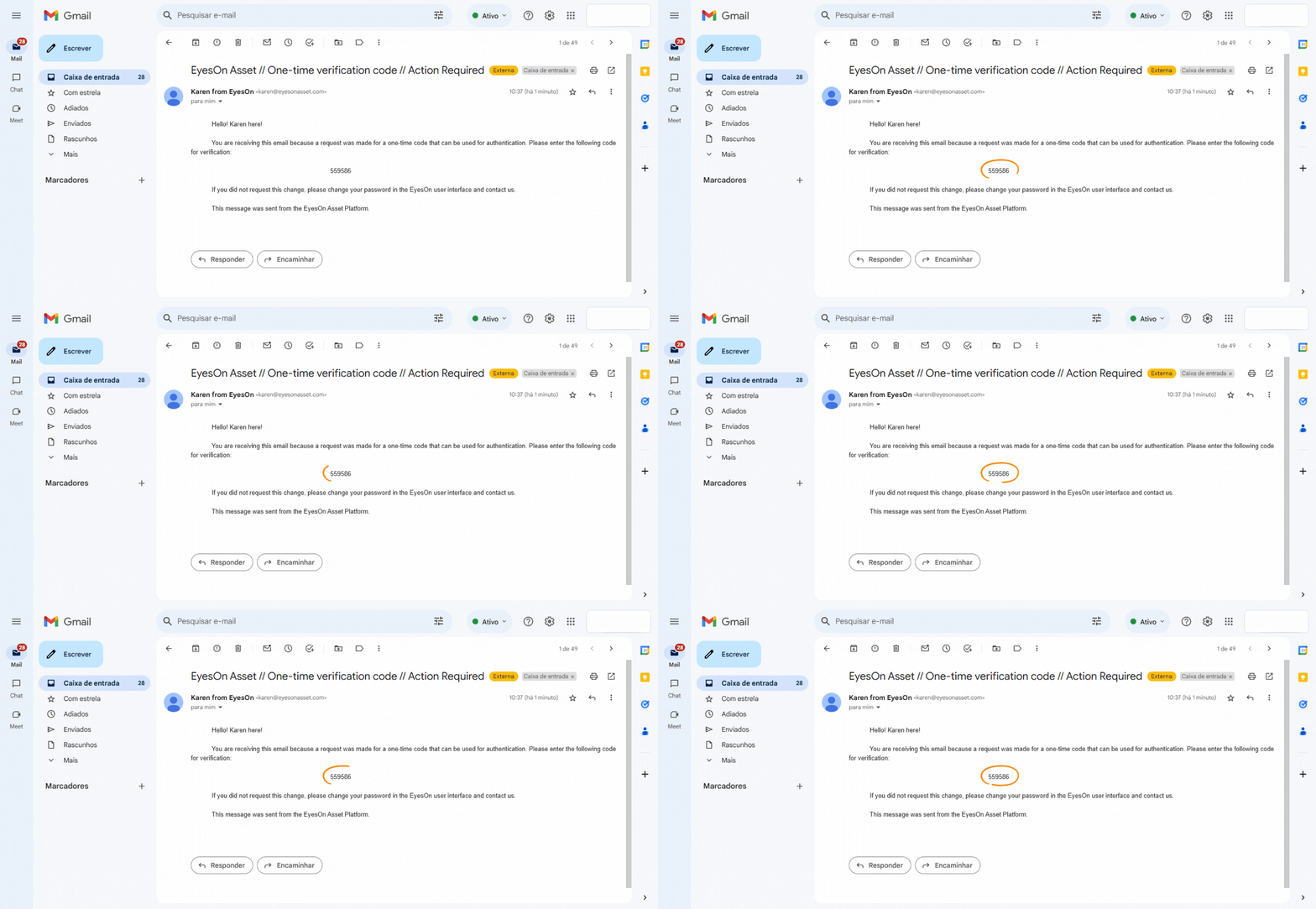
- Open the email from EyesOn Asset.
- Highlight the 6-digit code (e.g., 559586) and press Ctrl + C (or right-click and select Copy).
 6
6Return to EyesOn Asset
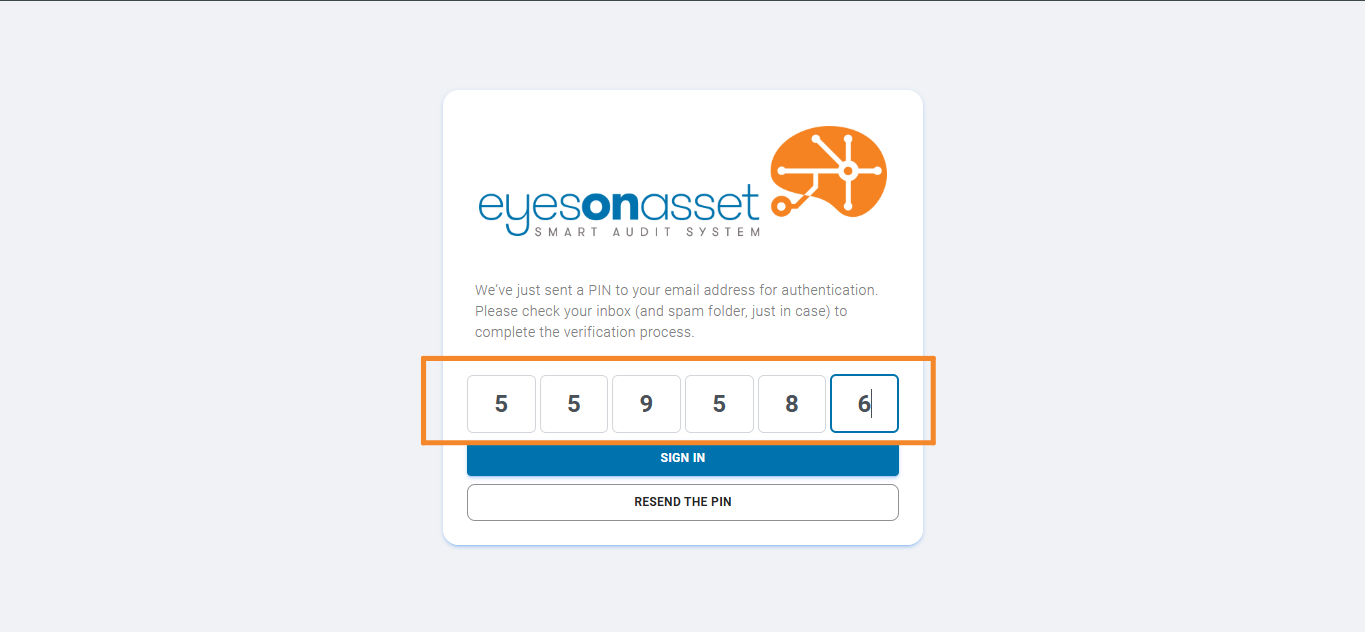
- Go back to the tab where the EyesOn Asset login page is open.
- Click on the field to enter the verification code.
- Press Ctrl + V (or right-click and select Paste) to paste the code.
 7
7Confirm Your Login
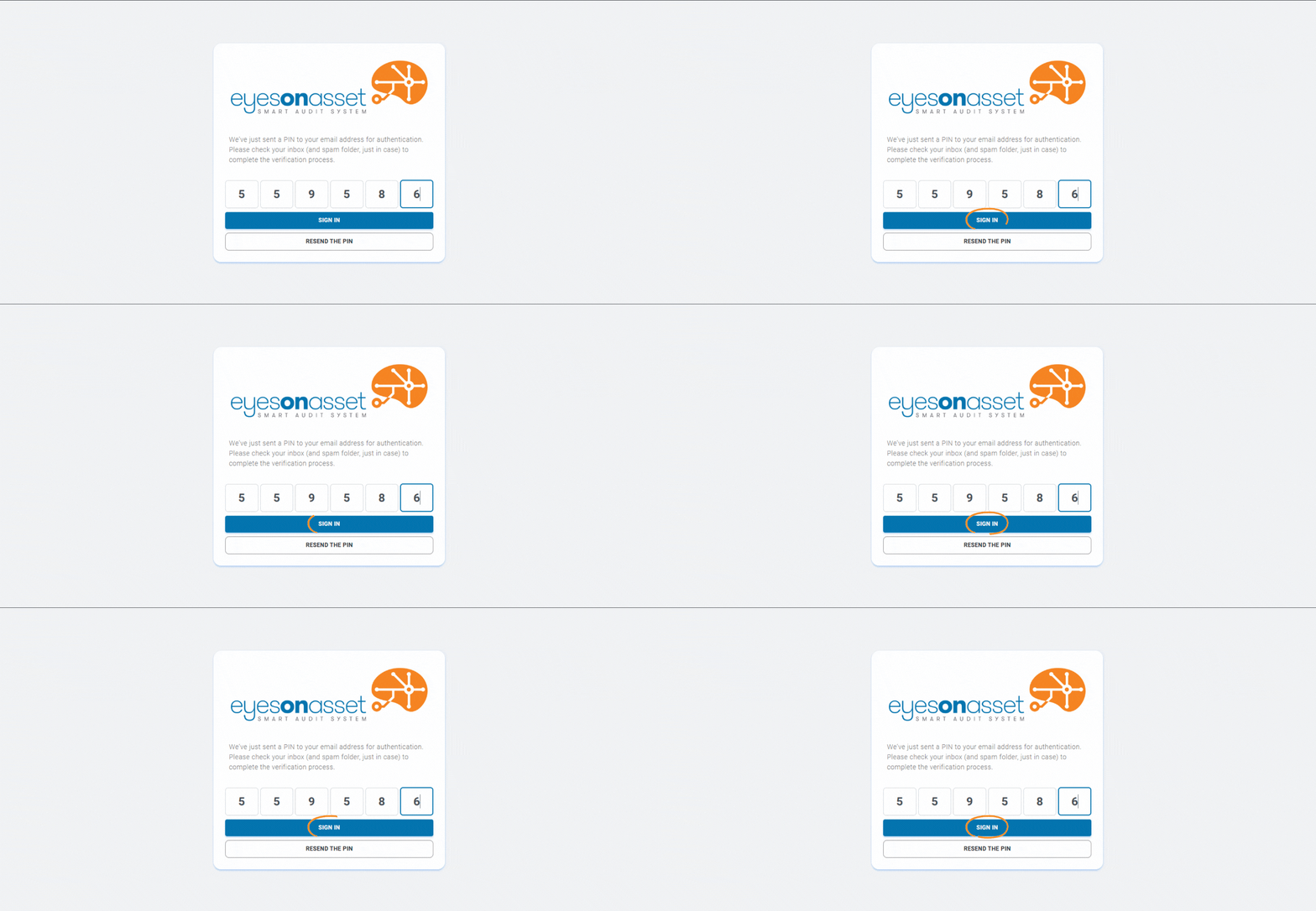
After entering the verification code, click the "Sign In" button to proceed.
- If the code is incorrect, check your email and try again.
- If the code has expired, click "Resend PIN" to receive a new one.
 8
8Select Your Workspace
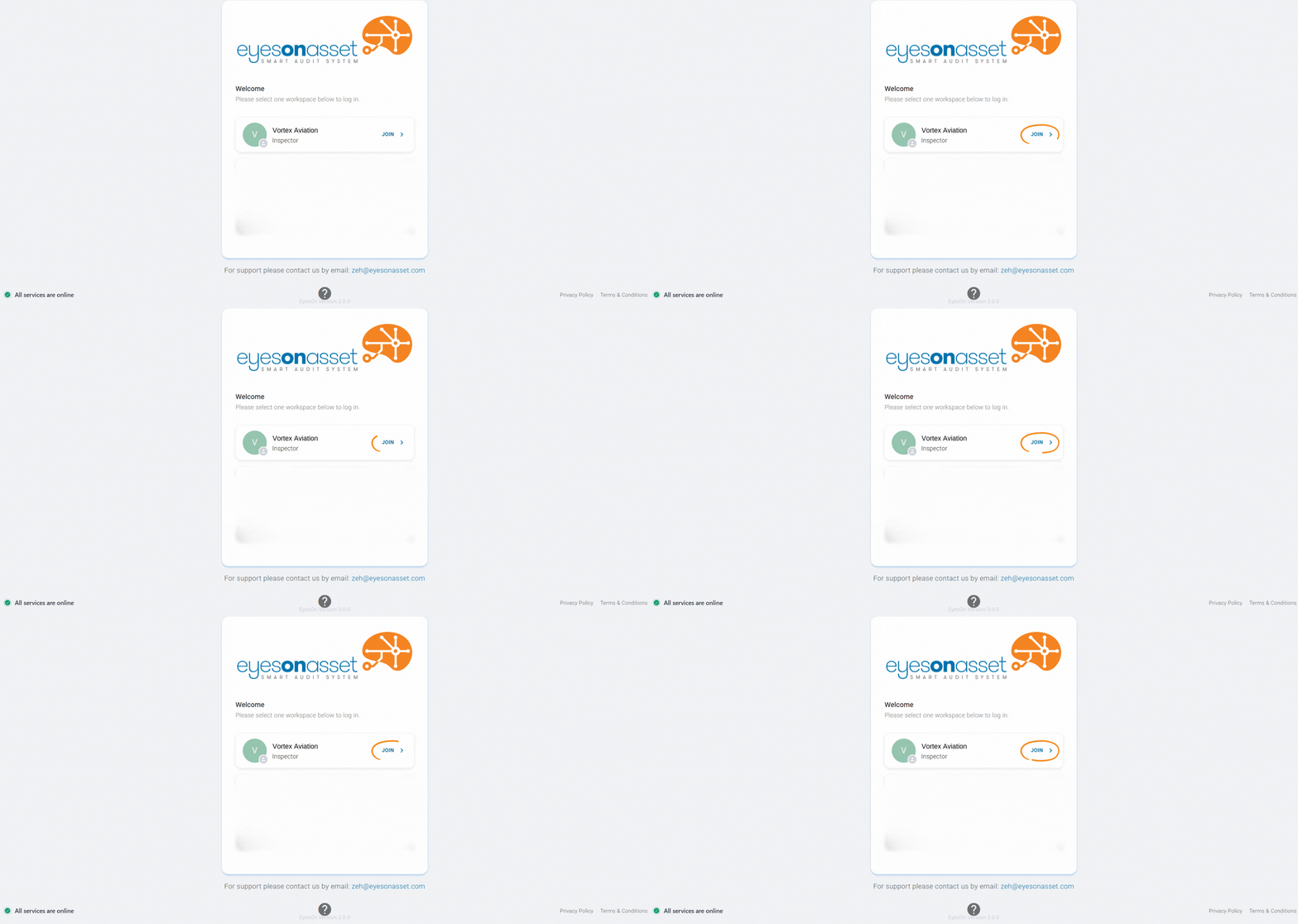
After successfully logging in, you will be prompted to select a workspace. A workspace represents the organization or project you are working on within the EyesOn Asset system.
- Identify the workspace assigned to your account. It will be displayed as a card with the workspace name and role (e.g., Vortex Aviation - Inspector).
- Click on the "JOIN" button next to the workspace you want to enter.
- If you have access to multiple workspaces, select the appropriate one according to your needs.
Additional Tips to Avoid Errors
- 1. Ensure you type your email and password correctly, without extra spaces.
- 2. If you can’t find the email from EyesOn Asset, check your Spam folder in your email.
- 3. If the verification code expires, click "Resend the PIN" on the EyesOn Asset login page.